CYBERSECURITY DASHBOARD & TEMPLATES

Why Choose Our Cybersecurity Dashboard?
-
 All-in-One View – Consolidates threats, vulnerabilities, incidents, and compliance into a single dashboard.
 -
 Real-Time Insights – Detect and respond to cyber threats faster.
 -
 Enhanced Security Posture – Helps organizations reduce risks and prevent attacks.
 -
 Proactive Cybersecurity Management – Identify, track, and resolve issues before they become major breaches.
All-in-One Cybersecurity Templates & Dashboards Collection
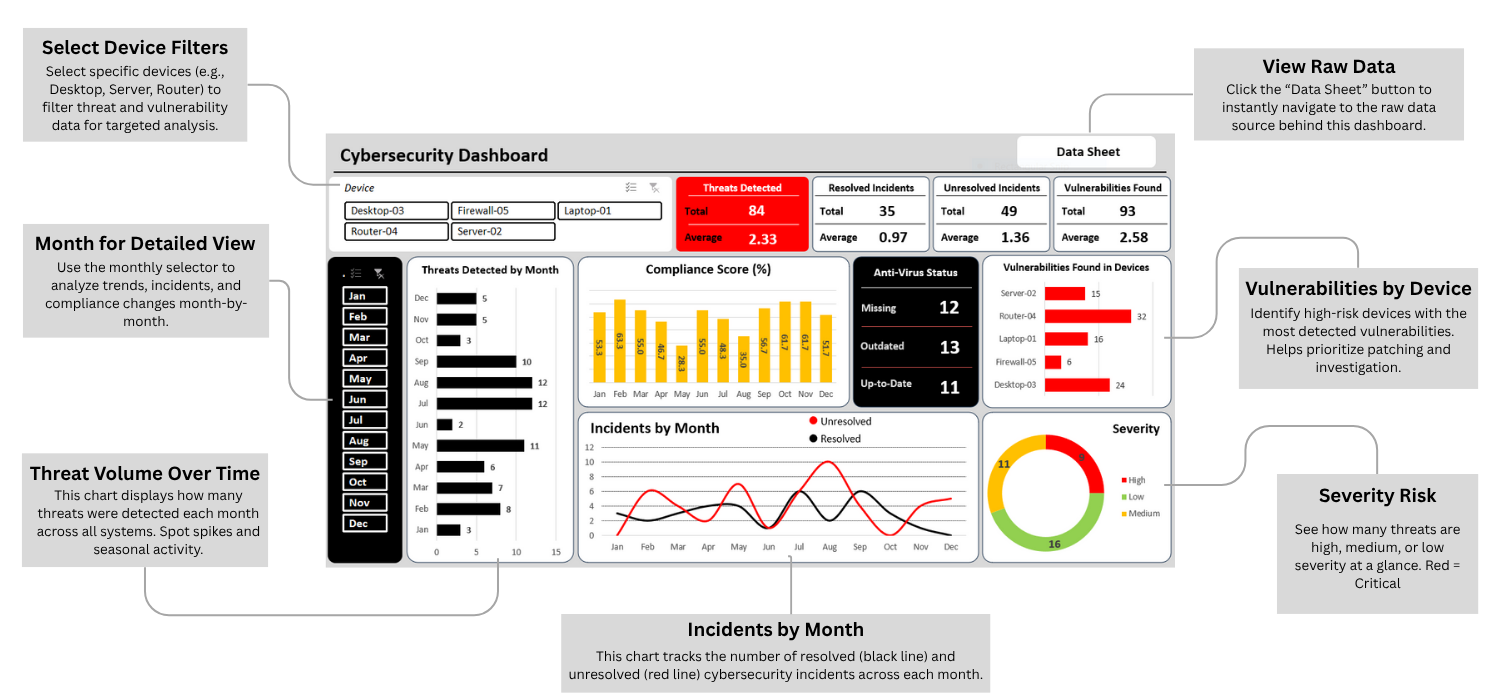
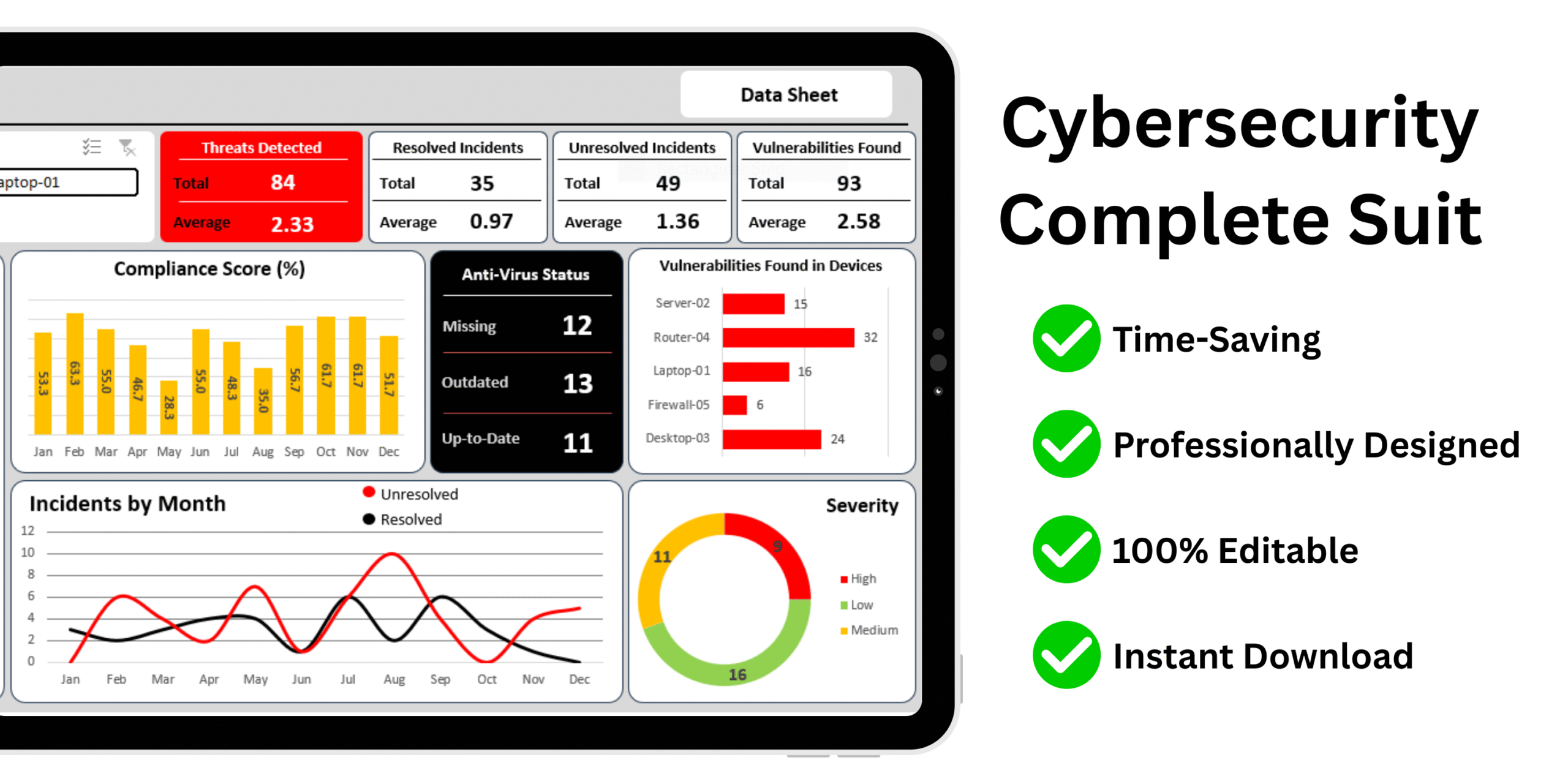
Cybersecurity Dashboard Template Excel
- Centralized Threat Overview
- Device-Level Insights
- Month-by-Month Trend Analysis
- Real-Time Incident Tracking
- Vulnerability Prioritization
- Compliance Monitoring
- Severity Risk Assessment
- Quick Access to Raw Data
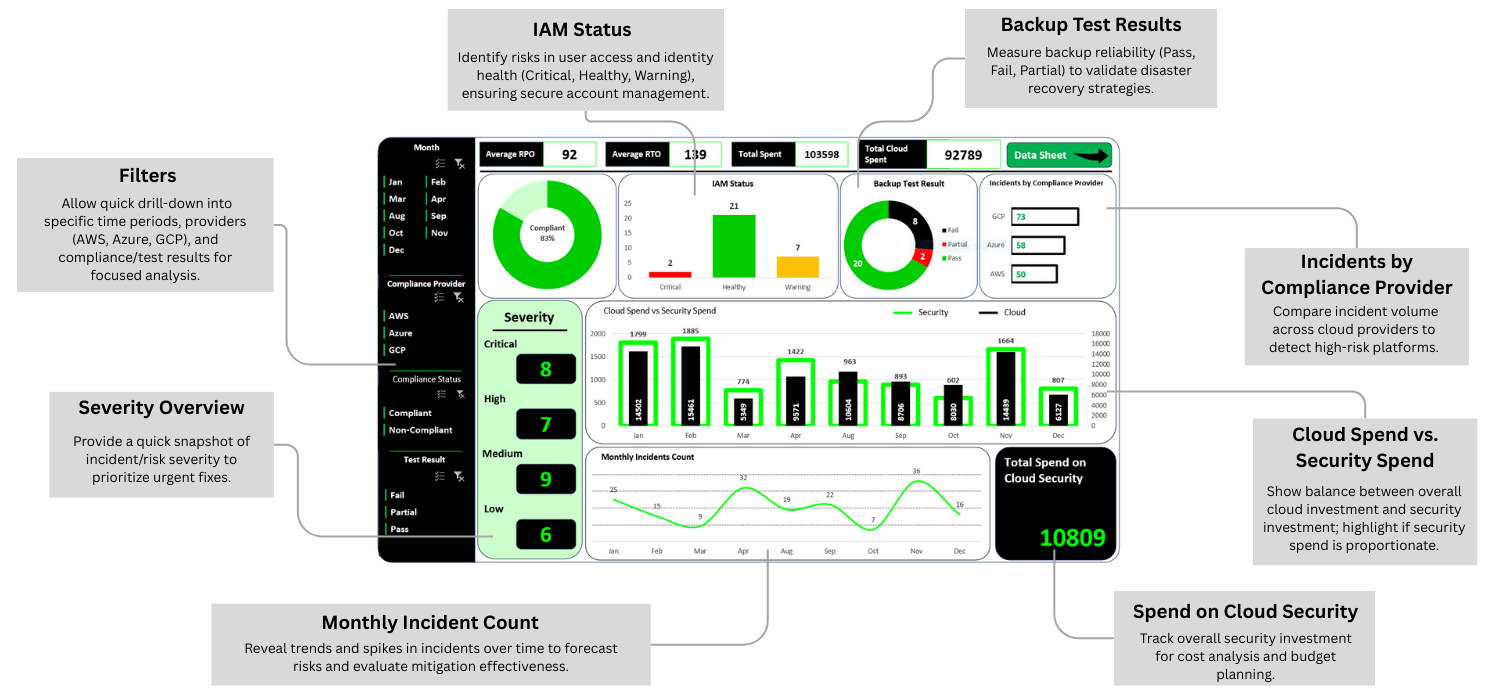
Cloud Security Dashboard Template Excel
- Centralized Cloud Security Monitoring
- Multi-Cloud Comparison
- Identity & Access Risk Management
- Backup Reliability Validation
- Severity Prioritization
- Financial Oversight: Cloud Spend vs Security Spend
- Trend Analysis for Incident Management
- Compliance Tracking and Performance Insights
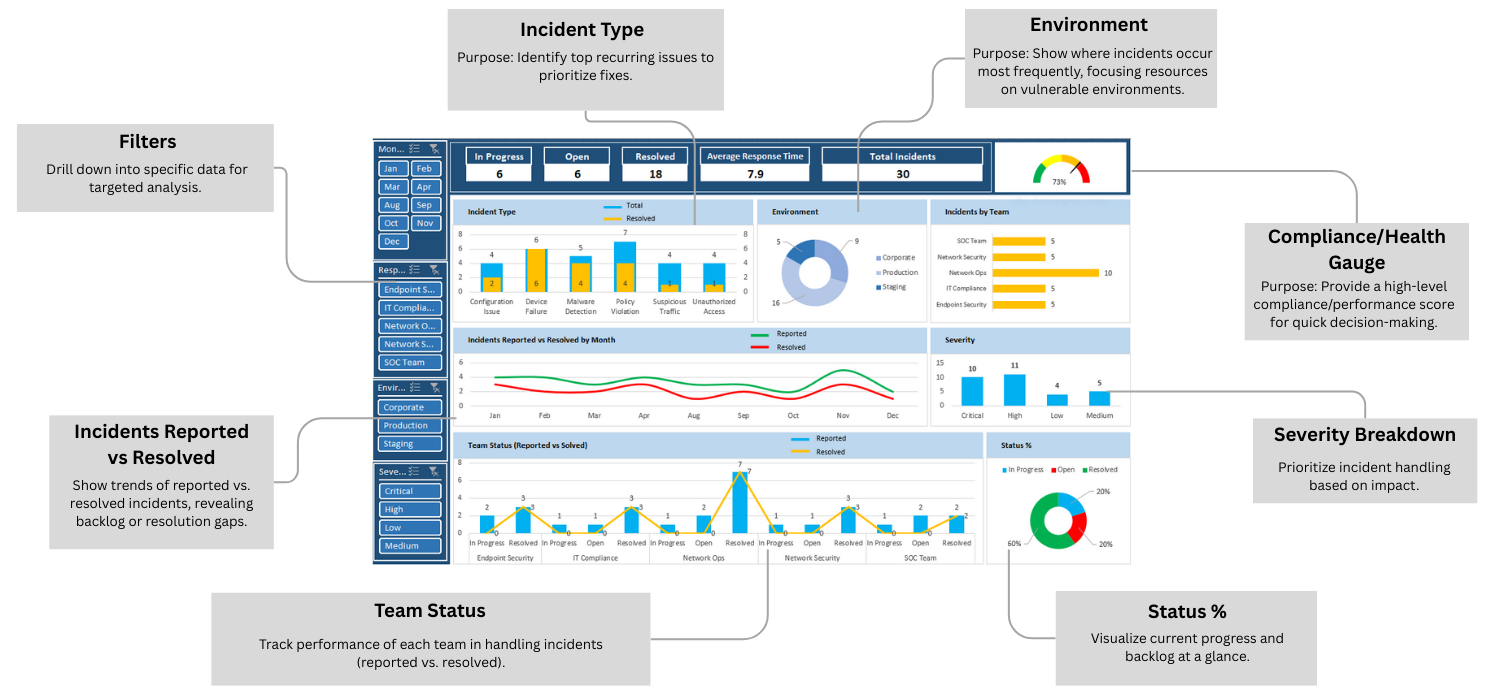
Network Security Dashboard Template Excel
- Complete Incident Lifecycle Visibility
- Faster Root Cause Identification
- Team Performance Tracking
- Compliance and Health Monitoring
- Environment-Based Risk Focus
- Severity-Based Prioritization
- Trend Analysis for Incident Response
- Real-Time Progress and Backlog Visualization
A Complete Suite of Editable Cybersecurity Templates and Interactive Dashboards
Cloud Security Templates
- Cloud Access Control Matrix
- Cloud Asset Inventory Tracker
- Cloud Backup & Recovery Testing Tracker
- Cloud Incident Response Log
- Cloud Security Configuration Baseline
Network Security Templates
- DDoS Attack Mitigation Plan Tracker
- IP Whitelist-Blacklist Tracker
- Network Access Control Log
- Network Device Inventory
- Network Security Risk Mitigation Report
- Network Traffic Monitoring Dashboard
- Patch Management Schedule for Network Devices
- Security Event Correlation Tracker
- VPN Usage Log
Information Security Templates
- Information Security Dashboard
- Information Security KPI Dashboard
- Access Rights & Permissions Matrix
- Data Breach Notification Log
- Data Classification Register
- Data Loss Prevention (DLP) Incident Log
- Document Retention & Disposal Tracker
- Encryption Key Management Sheet
- Incident Reporting & Tracking Sheet
- Information Security Policy Compliance Checklist
- Security KPI Dashboard
Application Security Templates
- Application Security Dashboard
- Application Data Encryption Checklist
- Application Risk Assessment Matrix
- Application Threat Modeling
- Authentication & Authorization Control Sheet
- Patch & Update Tracker
- Secure Coding Checklist
- Secure Mobile App Testing Tracker
- Security Misconfiguration Log
- Static Code Analysis Log
- Web Application Vulnerability Tracker
Dashboards
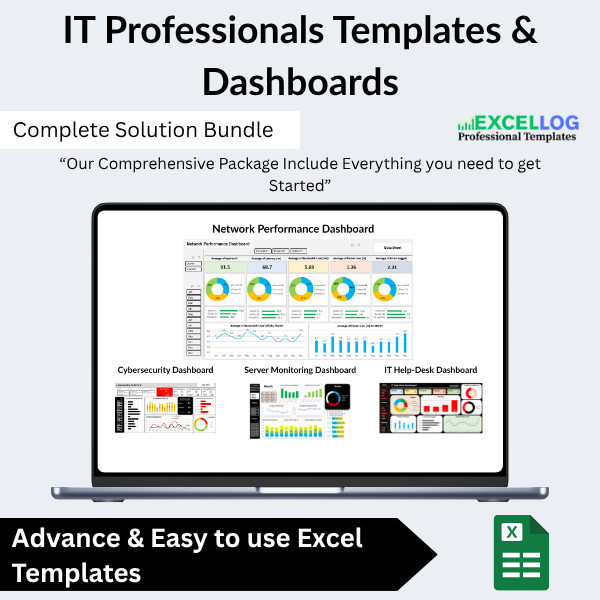
- Network Traffic Monitoring Dashboard
- Server Monitoring Dashboard
- System Performance Report Dashboard
- Network Performance Dashboard
PLUS: A Further 27 Cybersecurity Documents
- Acceptable use of assets
- Password Policy
- Backup and Recovery
- BYOD
- Compliance Management
- Disposal and Destruction policy
- Information classification policy
- Information Transfer policy
- ISMS policy
- IT Asset Management Policy Template
- Mobile devices and Teleworking policy
- Incident Management Guide
- Incident Management Policy
- Incident Management Process
- Intern Incident Report
- Major Incident Report Template
- Structure Damage Incident Report
- Workplace Violence Report
- KE record template
- Major Problem Report Template
- Problem Management Process
- Problem Record Template
- DR approach document
- DR Asset Register
- DR Closure Report
- DR Comms Plan
- DR Plan Template
 Frequently Asked Questions
💻 What software do I need to use these templates?
All templates are built in Microsoft Excel and compatible with Excel 2016 and above. No special tools, add-ins, or subscriptions required.
✏️ Are the templates editable and customizable?
Yes! Every section is fully customizable. You can edit columns, colors, formulas, and formatting to suit your project needs or organization preferences.
👥 Can I share this template with my team?
Yes. The template can be used by multiple team members via shared networks or platforms like OneDrive, SharePoint, or Google Drive (Excel online).
📧 What if I face any issues or need help?
We offer dedicated email support and provide a complete instruction manual. Our team is ready to help you every step of the way.
✅ Do you offer refunds?
Due to the digital nature of the product, we don’t offer refunds. However, we stand behind our product with a satisfaction guarantee and support to ensure it meets your needs. Also don't worry you will get everything that is shown on this page.